

Last updated:
Why is My Phone Hot? 11 Tips on How to Stop Your Phone from Overheating
Key Takeaways
- There are many reasons why your phone may overheat, including exposure to direct heat, running too many apps simultaneously, and incompatible chargers.
- Some of the best ways to prevent your phone from overheating are to get the right charger, clear apps and caches, and avoid using your phone in direct sunlight or while it’s charging.
- Another great solution to your phone overheating is to purchase a cooling phone case.
When you’re enjoying some fun in the sun or even just streaming your favorite shows, your phone could be feeling the heat. It might operate sluggishly, use more battery power, or even shut down. That’s when it’s helpful to ask, “Why is my phone hot?” and look into overheating phone solutions.
An overheating phone isn’t just inconvenient; it can affect its performance and lifespan. So, knowing how to stop your phone from overheating will help you get the most out of your device.
While your phone can’t take a dip in the pool to cool off, there are some ways to keep it from getting too hot. These simple tips can help protect your phone from overheating and extend its life.
Below, we’ll start by diagnosing the issue with the potential answers to the question. “Why is my phone hot?” Then, we’ll get into tips for keeping it cool and operational.
Why is My Phone Overheating?
Phones get toasty for several reasons. Some you may know, some you may not. Here are a few common reasons why you’re asking, “Why is my phone hot?”:
1. Exposure to Direct Sunlight
Sitting in direct sunlight, even briefly, can drain your phone’s battery and affect its performance. If exposed to sunlight for too long, your phone may suffer permanent damage. Keeping your phone out of the sun is a great overheating phone solution.
2. Using Too Many Apps at Once
Having a bunch of apps open and/or running different processes simultaneously can make you ask, “Why is my phone hot?” and stress its central processing unit (CPU). This can cause it to heat up from the inside and overheat more quickly.
3. Bad Battery and/or Charger
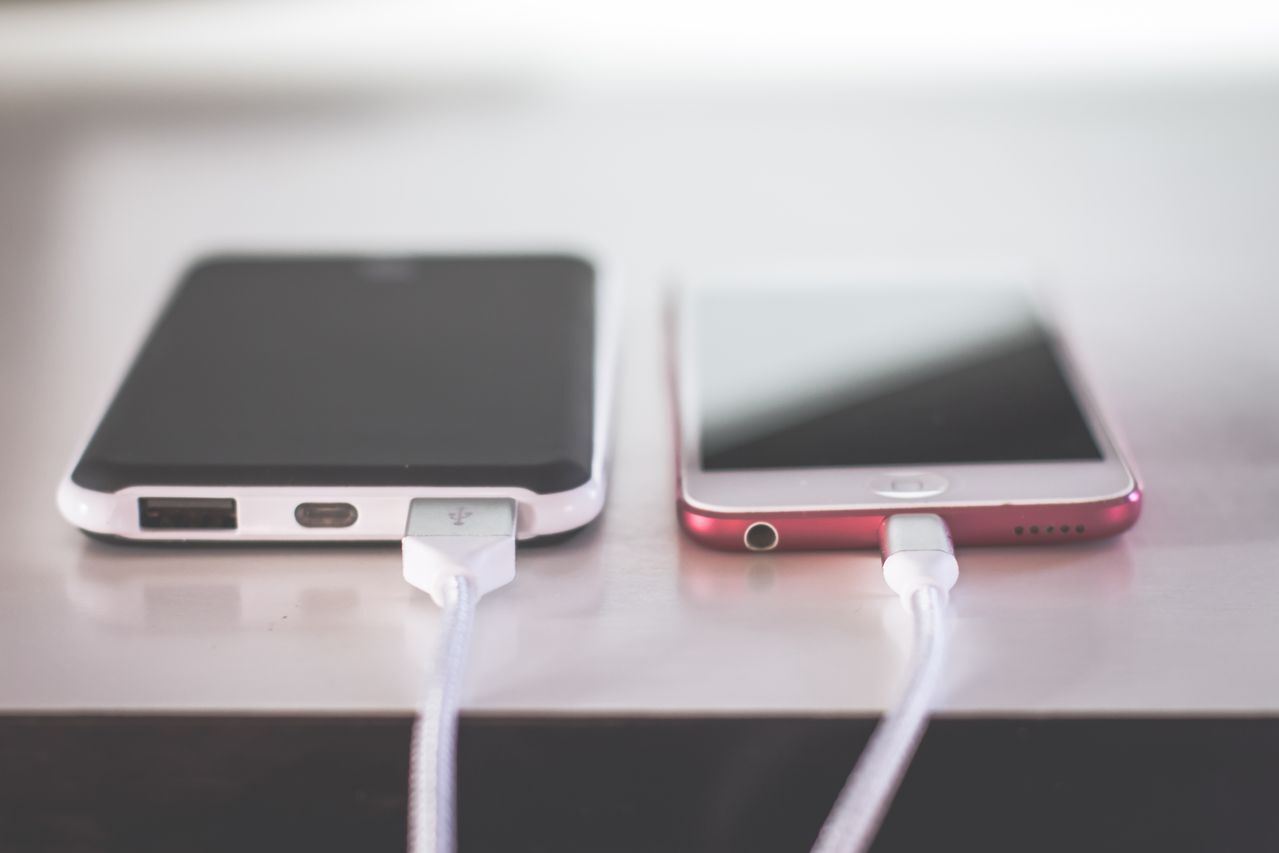
It’s normal for your phone to get a bit warm when it’s charging. But if it runs too hot, that’s a sign you may have battery or charger cable issues. Wireless charging can also contribute to an overheated phone, especially if your phone is running several apps or sitting in the sun.
4. Streaming Content
Using your phone for streaming or gaming can stress your device. Limiting your streaming (or streaming on a different device) is how to stop your phone from overheating.
5. Malware
Clicking on a corrupt link, opening a malicious email, or using a bad app could infect your phone with malware and cause it to overheat. The malware essentially hijacks your phone’s memory and CPU, taxing the hardware. It could be the answer to the question, “Why is my phone overheating?”
6. Updates
All phones require updates at some point, but they can also cause your phone to heat up. This is temporary and normal, so it shouldn’t cause long-term issues.
If any of the situations above sound familiar, you may already have an answer to “Why is my phone hot?” For example, the fix could be as easy as using a better charger.
11 Tips to Help Prevent Your Phone from Overheating
If you’re constantly wondering, “Why is my phone hot?” try some of these 11 overheating phone solutions.
1. Close Unused Apps
Closing unused apps is one of the simplest ways to prevent your phone from overheating. Depending on the type of phone you have, you can easily swipe or tap to close apps. Studies show that phone temperature correlates with how many tasks and apps are running at the same time.
2. Avoid Direct Sunlight
To stop asking, “Why is my phone hot?” keep it out of direct sunlight, even light that pours in through windows. This includes a phone mounted in the car or sitting on your dashboard. If your phone is heating up, move it in front of a vent or fan, or cover it to prevent direct sunlight from hitting the device.
3. Limit Gaming & Video Streaming
While we all love to watch our favorite shows or play games, limiting streaming and gaming is how to stop your phone from overheating. If you do stream shows or play games on your phone, make sure to close other apps, streaming services, and games so it can focus its energy on one function at a time.
4. Reduce Screen Brightness
Lower your screen’s brightness to immediately ease the stress on your phone’s battery and stop wondering, “Why is my phone hot?” You can shorten the timeout duration so that your screen turns off sooner when you’re not using the phone, too. An anti-glare screen protector can also help you see your screen in brighter light, enabling you to dial down the brightness.
5. Disable Background App Refreshes
Disabling background app refreshes (a feature that allows apps to update automatically) is a great overheating phone solution. It can help conserve your battery and prevent overheating. If you don’t want to turn off all background app refreshes, your phone should offer the option to select specific apps to refresh.
6. Clear App Caches
As you use apps or browse the internet, your phone saves data like images, videos, audio files, and website content, so it loads faster in the future. This collection of data is known as your phone’s cache.
A full cache can have you frequently asking, “Why is my phone hot?” Regularly clearing your phone’s cache can improve performance and prevent your phone from overheating.’
7. Update Apps & Software
Regularly check for app and software updates to ensure your phone runs efficiently. Updates provide patches for bugs or other performance issues that could cause your phone to overheat. Consider scheduling updates for off-peak times, such as while you’re asleep, to keep from overtaxing your phone’s resources.
8. Use a Heat-Dissipating Phone Case
If you’re following these tips and still asking, “Why is my phone overheating?” it may be time to try a new case. Certain types of phone cases, like rubber or silicone cases, can retain more heat and potentially lead to your phone overheating. Choosing a case that dissipates heat, like a ZAGG graphene phone case, helps lessen the chance of overheating.
9. Temporarily Remove Your Phone Case
If you don’t have a heat-dissipating phone case and are wondering, “Why is my phone hot?” try removing the case. Some studies show that an encased phone runs at a higher temperature than one that isn’t encased. Phones may also get warmer when charging, so try removing the case when charging your phone to help keep it cool.
10. Use a Phone Cooling Attachment
A phone cooler draws heat away from your device, so it doesn’t overheat, making it the ideal overheating phone solution. These coolers attach to your phone and have fans, which route heat out of and away from your phone. Just remember to choose a phone cooler that’s compatible with your device (i.e., Apple or Android).
11. Use the Right Charger
Be sure to use a charger that’s compatible with your phone, so it properly powers your device. If you don’t, it could be why you’re asking, “Why is my phone overheating?” Less expensive chargers might fall short on performance, as they’re not always designed to handle the voltage being used, leading to overheating and even safety issues.

Why is My Phone Hot? Maybe It’s Your Phone Case
When figuring out how to stop your phone from overheating, any of the above tips can be useful. One of the best ways to keep your phone cool and safe is to choose the right protection, like a heat-dissipating graphene phone case.
Graphene is one of the strongest materials on Earth. It’s 200 times stronger than steel but still lightweight and flexible. It’s also one of the most conductive human-made materials on the planet, which means it’s designed to keep your phone cool.
If you keep asking, “Why is my phone hot?” a ZAGG graphene case could be your solution. The combination of strength and conductivity makes it ideal for keeping your phone safe and cool.
FAQs
+ Why is my phone overheating?
Phones can overheat for several reasons. A few common ones are leaving them in the sun or other direct heat, streaming video and using apps simultaneously, running outdated software or apps, using an incompatible charger, or a malware infection. If you’re constantly saying, “Why is my phone hot?” it’s time to check some of those issues.
+ Are there tips on how to cool down my phone while it's charging?
Use a phone charger that’s compatible with your phone’s model, preferably one made by your phone’s manufacturer. Other ways to keep your phone from overheating while charging include checking that the charging cord isn’t damaged, closing all apps, not using it while it’s charging, and keeping it out of direct sunlight.
+ Are there overheating phone solutions when I’m on FaceTime?
If you’re asking, “Why is my phone hot?” while on FaceTime, there is a simple solution: stop charging your phone while using FaceTime, as that can cause it to overheat. It can also help to close other applications, video streaming, or games while using FaceTime.
+ Can overheating damage your phone?
Yes, overheating can damage the battery and cause the device not to hold a charge as well. That’s why it’s important that if you keep wondering, “Why is my phone hot?” you start taking steps to keep it from overheating.