

How to Make an iPhone Battery Last Longer
Following a few best practices can make all the difference in getting the most out of your iPhone. Improving your battery's performance doesn't just extend your everyday battery life. It also improves your battery's lifespan.
While "battery life" refers to the time a phone can run from 100% to 0%, "battery lifespan" refers to its overall health. Our guide will help you maximize both of those metrics. Discover how to make your iPhone battery last longer, the smart way.
What Causes iPhone Battery Drain?
Many hardware and software factors can affect your iPhone's daily battery life. Understanding these factors is the key to learning how to make an iPhone battery last longer.
1) Screen Brightness
The brightness of your iPhone's screen is a major factor in its battery life because the display is one of the most power-hungry components. When your screen is lit up at high brightness, it requires a significant amount of energy to illuminate all those pixels.
2) Cellular Data vs. Wi-Fi
Cellular data usage drains your iPhone's battery faster than Wi-Fi because maintaining a cellular data connection requires the phone's radios to work constantly. This is why experts will first tell you to switch to Wi-Fi when discussing how to make an iPhone battery last longer.
Cellular data uses more power than a stable Wi-Fi connection, which requires less effort from the phone to maintain a constant signal. Essentially, when you use cellular data, your phone is working harder to stay connected, and that extra effort comes at the cost of battery life.
3) Background Activity
If you're wondering how to make your iPhone battery last longer, this subtle factor can make a huge difference.
Background activity on your iPhone is like having appliances running in your house, even when you're not actively using them. Apps will use network data and hardware resources to quietly run updates and, for example, check for new emails or messages.
4) Overheating
Learning how to make an iPhone battery last longer isn't all about software. Preventing your phone from overheating can go a long way in preserving its overall battery lifespan.
Extreme hot and cold temperatures can stress your iPhone's battery and reduce its efficiency. When it's very hot, the chemical reactions inside the battery that generate power happen too quickly, leading to faster battery capacity degradation.
Similarly, cold temperatures slow down these reactions, making it harder for the battery to deliver its full potential.
5) Battery Health
A phone's battery health naturally degrades from everyday use. Factors like overheating can speed up this degradation. Wondering how to make an iPhone battery last longer by reversing battery degradation? You can't.
What you can do is take care of your phone by protecting it from overheating, using graphene-fortified phone cases, and a few other tricks we'll explore in the next section. Note that fast charging does not harm battery health, even if it heats your phone.
How To Make Your iPhone Battery Last Longer
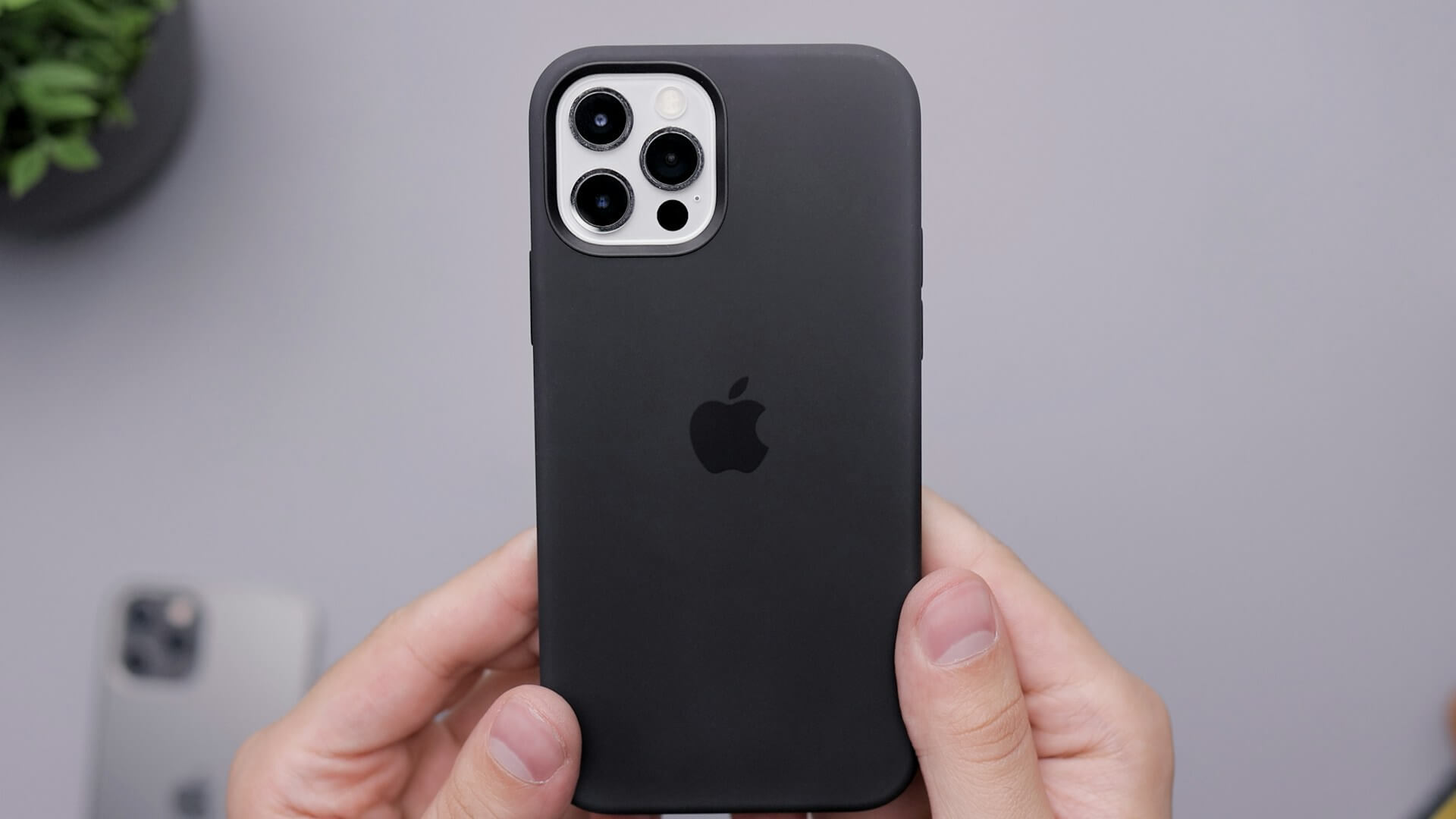
1) Heat Dispersing Cases
Overheating can wear down your battery. Seek out cases that help disperse heat. Some graphene-fortified cases, like the ZAGG Denali case, promote heat dispersal because graphene is extremely heat-conductive.
2) Lowering Screen Brightness
If you want to know how to make an iPhone battery last longer, especially in a pinch, you should first lower the screen brightness. Lowering the brightness means that each lit pixel requires less power.
Your iPhone has several features that can intelligently automate this process to maximize battery life.
- Auto-Brightness: To turn this feature on, head to Settings > Accessibility > Display & Text Size. Your iPhone's ambient light sensor will automatically raise or lower the screen's brightness depending on your location.
- White Point: Lowering your phone's white point reduces the overall brightness of every white pixel, similar to turning down the highlights in Photoshop. This option is next to auto-brightness in the accessibility settings.
- Night Shift: The Night Shift feature was originally added to reduce harsh blue light and make reading more comfortable for users, especially at night. This feature also reduces screen brightness slightly, so it's great for those who want to learn how to make an iPhone battery last longer.
If you don't want to fiddle with the settings constantly and worry about how to make your iPhone battery last longer, you can set Night Shift to activate automatically at a set time in the Control Center.
If Night Shift sounds useful, it might be worth investing in a blue light screen protector from ZAGG. These tempered glass screen protectors can significantly reduce eye strain while preserving your phone's color integrity and vibrance, even with the brightness turned down.
3) Manage Background Activity
Before anything else, you should go to Settings > Battery to check which apps use the most battery. Since we're learning how to make an iPhone battery last longer, this will tell us exactly which apps to target.
You now have two options to manage background activity:
- Individual Apps: You can turn off background activity for each resource-intensive app by going to its individual settings page. Keep this on for essential apps like Mail or they won't be able to fetch updates or push new notifications.
- Turn Off All Background Activity: Head to the 'General' tab to turn off 'Background App Refresh' for all apps. This option has a bigger impact on battery life but will also affect important apps like iMessage.
4) Use Low Power Mode
Low power mode combines many of the tips mentioned above in a single feature, and it can be handy in emergencies or if you can't remember how to make an iPhone battery last longer.
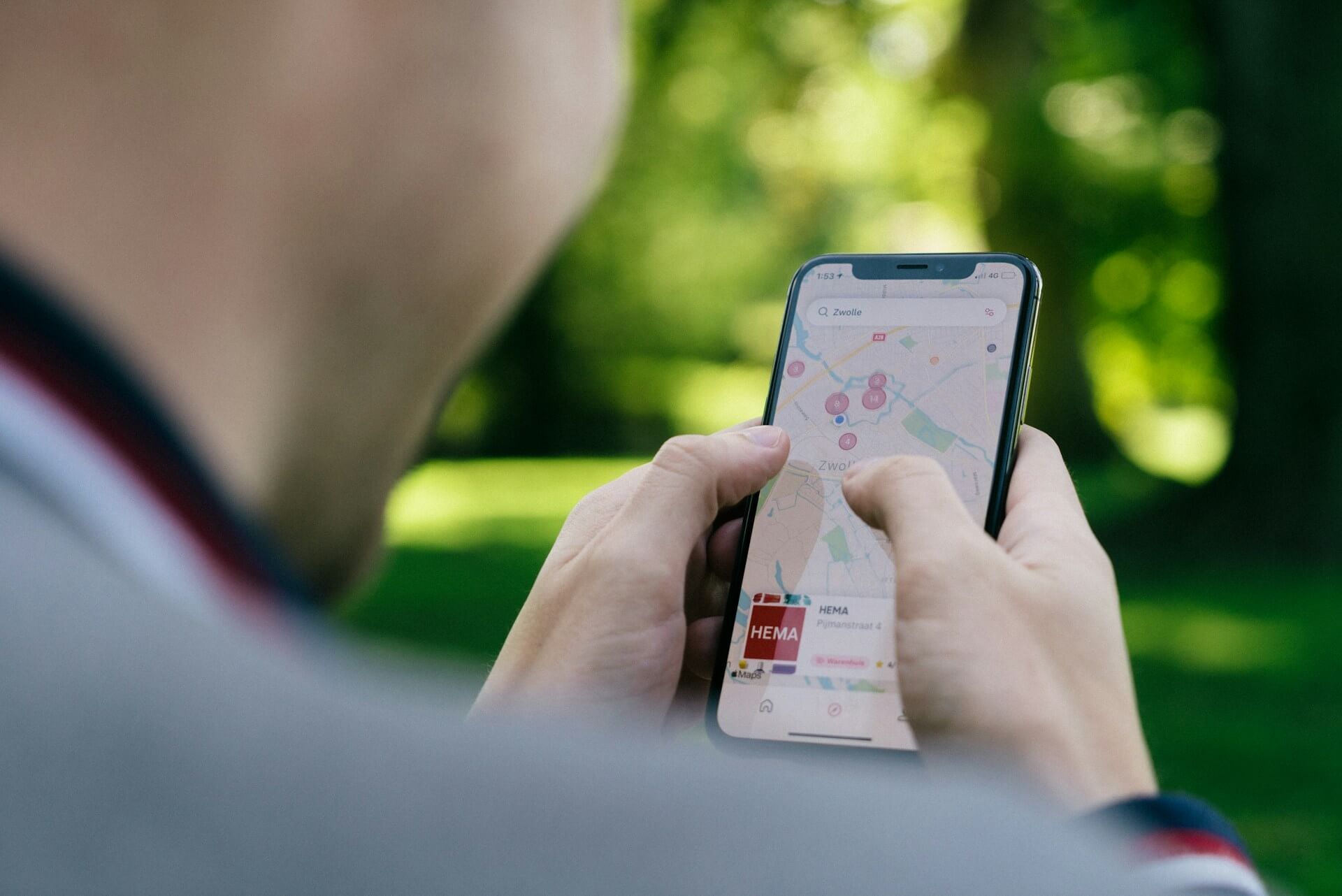
Apple doesn't expect you to know exactly how to make your iPhone battery last longer, so your phone will automatically prompt you to turn it on when it hits 20% battery.
Turning on low power mode will cause your iPhone to prioritize key apps like Mail and turn off background processes for less-used apps.
Maximize Your iPhone's Battery Life
From turning off background activity to using auto-brightness, every small change adds up to make a noticeable impact on your iPhone battery life. Consistently following these tips can also extend your battery's overall lifespan.
Now that you know how to make an iPhone battery last longer, start off on the right foot with industry-leading cases from ZAGG. For the travelers and power users out there, we also recommend staying juiced up with our long-lasting power banks and portable chargers.
FAQs
Figuring out how to make your iPhone battery last longer is no walk in the park. Clear up the confusion and make the right choice for your iPhone with ZAGG.
Why is my iPhone battery draining so fast?
A combination of different factors can cause fast battery drain. Your screen brightness could be turned up, or your background activity might be high. Pinpointing the reason can help you understand how to make an iPhone battery last longer.
Physical factors can also contribute to this. For example, extreme heat can cause your phone to overheat and speed up overall battery degradation, shortening your battery's overall lifespan.
How can I maximize my iPhone battery life?
Maximizing your iPhone's battery life is all about making minor adjustments that work together to improve battery performance. Get a case that can disperse heat, like ZAGG's Denali Snap.
On the software side, try to turn off background activity or delete apps you don't use. Checking the 'Battery' tab can show you how to make an iPhone battery last longer by revealing resource-intensive apps. Last but not least, make sure you've updated your phone!
What drains the iPhone battery the most?
If you're looking up how to make your iPhone battery last longer, chances are your phone's brightness is the biggest culprit. The screen constantly draws power to illuminate the pixels; the brighter those pixels need to be, the more power is consumed.
The effect of screen brightness on battery life is also more immediate. Lowering brightness noticeably improves battery life, whereas managing background activity might yield a more cumulative effect.
Can I replace my iPhone battery?
Yes, iPhone batteries are replaceable. If you're unsure how to make an iPhone battery last longer and have already tried all the recommended steps, this is a possible last resort. Apple offers battery replacement services through its stores or authorized service providers.
However, it's not something you can easily do yourself without proper tools and knowledge.