
Key Takeaways
- Learning how to apply a screen protector on a Nintendo Switch is essential to avoiding permanent screen damage.
- Using a screen protector can help you avoid glare when playing outdoors and prevent scratches/smudges.
- Applying a switch screen protector can take as little as five minutes and is a simple three-step process.
Whether you're still rocking the original Switch or a brand new Switch 2, applying a screen protector is an easy and inexpensive way to ensure your favorite console keeps running optimally even after a nasty fall.
Why Screen Protection is Essential
Nintendo Switch devices might be designed for on-the-go gaming, but that doesn't make them indestructible. In fact, it only opens up the possibility for more damage if you're playing on the move and don't know how to put a screen protector on a Nintendo Switch.
Scratch Protection
Your Switch's plastic or glass screens (depending on the model you're rocking) can easily get scratched by keys, pocket lint, and even nails! The Switch 2 features a more resistant touchscreen than its predecessor, but it remains prone to scratches over time.
Adding a screen protector creates a sacrificial layer between your screen and the elements, absorbing both major and minor scratches so your screen can stay protected and allow you to play your favorite games.
Smudge/Fingerprint Reduction
If you know how to put a screen protector on a Nintendo Switch, you're not just sidestepping scratches; you're also crafting a much better gaming experience.
Modern screen protectors feature oleophobic coatings, which are designed to repel the oily fingerprints and smudges that are all too common after a Mario Kart session. This is particularly important for the Switch 2 players out there, as the device is notorious for being a fingerprint magnet.
Glare Protection
How many of us haven't explored the world of Zelda while outdoors on the Switch? If you know how to apply a screen protector on a Nintendo Switch, you can do all that and more without ever having to worry about visibility.
The best screen protectors come with anti-glare technology, keeping your screen easily visible and usable even in bright sunlight.
What You'll Need
Ready to learn how to put a screen protector on your Nintendo Switch? Most kits will come with virtually everything you might need, but you should make sure you have these supplies handy as well:
- A dry, lint-free microfiber cloth for cleaning before application.
- Alcohol pre-clean wipes to remove oil and smudges before you stick on that protector.
- A plastic card for bubble-busting (if needed)
Step-By-Step Installation Guide

Pre-Installation Prep
All set? Pick a relatively humid room free of dust particles floating in the air. Gather your supplies and fully power down your Switch to get started.
With clean hands, you'll want to take the time to wipe down your Switch's screen carefully. Use the microfiber cloth first and then go in with the alcohol wipe to get the remaining oil smudges.
Application
This is the easy part of learning how to put a screen protector on a Nintendo Switch.
- Locate the notches placed at the bottom of your Nintendo Switch screen and notice that your screen protector also has those notches. This will help you align the protector later on.
- Align the EZ Apply tray over your Switch screen and snap it into place. It should align with your bezels precisely.
- Peel the backing from your tempered glass and drop your screen protector glossy over the EZ Apply tray.
- Pull the release tab and press down firmly in the center to complete the application.
Congrats! You now know how to apply a screen protector to a Nintendo Switch.
Tips for Success
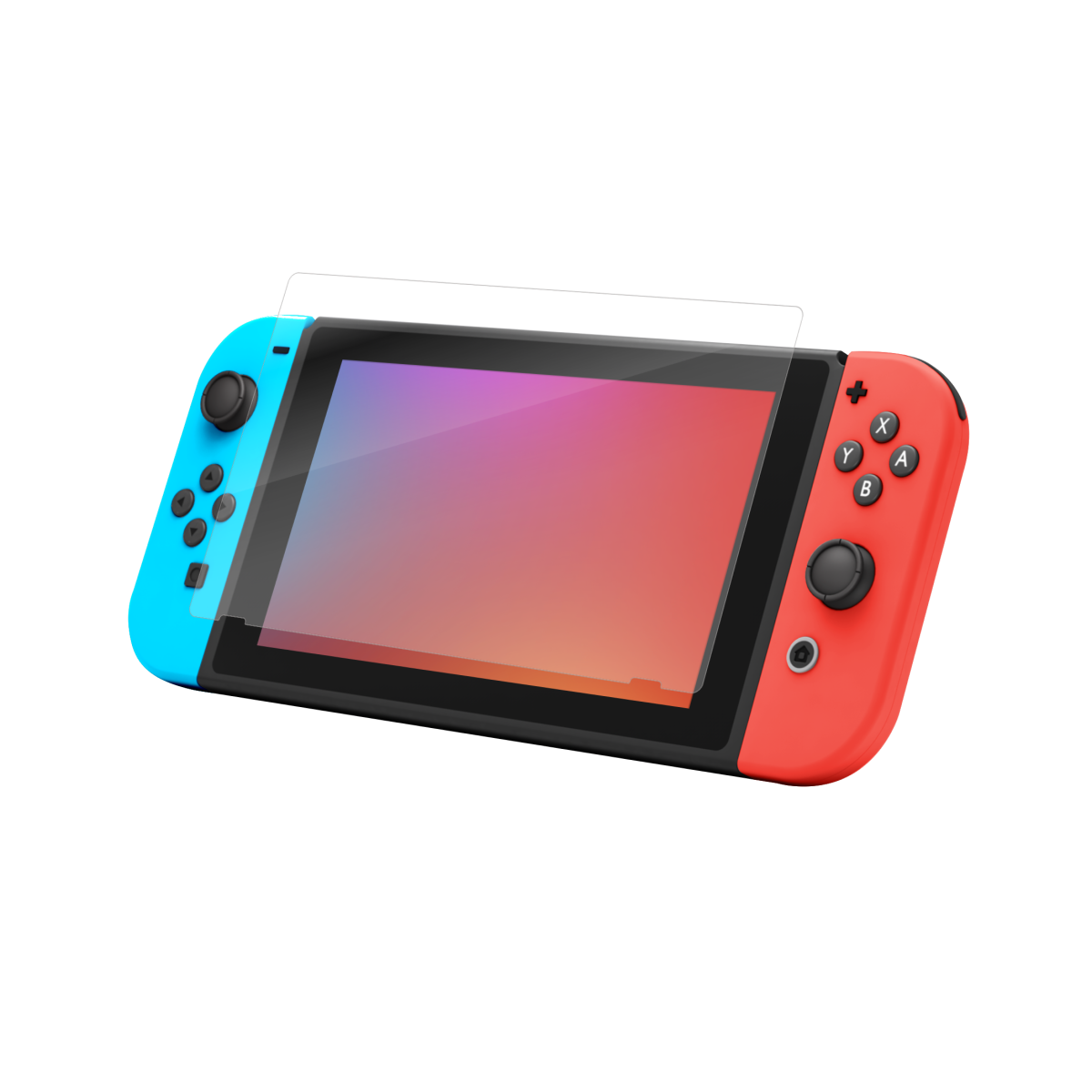
Use Quality Screen Protectors
The best thing you can do for your device now that you know how to put a screen protector on a Nintendo Switch is to invest in quality. Here are a few recs to get you started:
- Nintendo Switch: For the OG Switch and Switch OLED models, you can't go wrong with a Glass Elite Nintendo Switch OLED screen protector, with its reinforced edges and anti-microbial coating.
- Nintendo Switch 2: When it comes to Nintendo Switch 2 screen protectors, the XTR4 protector is the apex. This graphene-fortified screen protector enhances color vibrancy, helps with eye comfort, and is reinforced against falls and scratches.
Reapply Only When Necessary
Reapplying your screen protector is the #1 cause of persistent bubbles. Typically, you should only resort to this step if you're experiencing touch lag when playing a game or if your screen protector is completely misaligned. If you know how to put a screen protector on a Nintendo Switch and follow our guide, you typically shouldn't run into this issue.
Play Your Way
Whether you're speedrunning levels in Donkey Kong Country or beating your friends online in Mario Kart, ZAGG keeps your Switch in pristine condition with top-of-the-line screen protectors. Enjoy a lifetime warranty, easy installation, and 360° protection when you order today.
Frequently Asked Questions
Loading results...