
Key Takeaways
- Learning how to install a smartwatch screen protector is essential for avoiding massive repair costs and can even significantly improve your usage experience.
- Apple Watch screen protector installation is a quick 10-minute process with ZAGG
- Once you've installed the screen protector, you'll want to clean it regularly to keep your watch in pristine condition.
Smartwatches have become indispensable companions for the average smartphone user, whether it's a runner who uses them for health tracking or a power-user executive who needs to stay ahead of their schedule. And while most of us buy screen protectors for our phones on day one, we tend to forego them for smartwatches entirely.
That's a big mistake, and a small investment early can help keep your smartwatch in perfect condition.
Find out how to put a screen protector on your Galaxy Watch or Apple Watch with this quick ZAGG guide.
Why Smartwatch Protection Matters
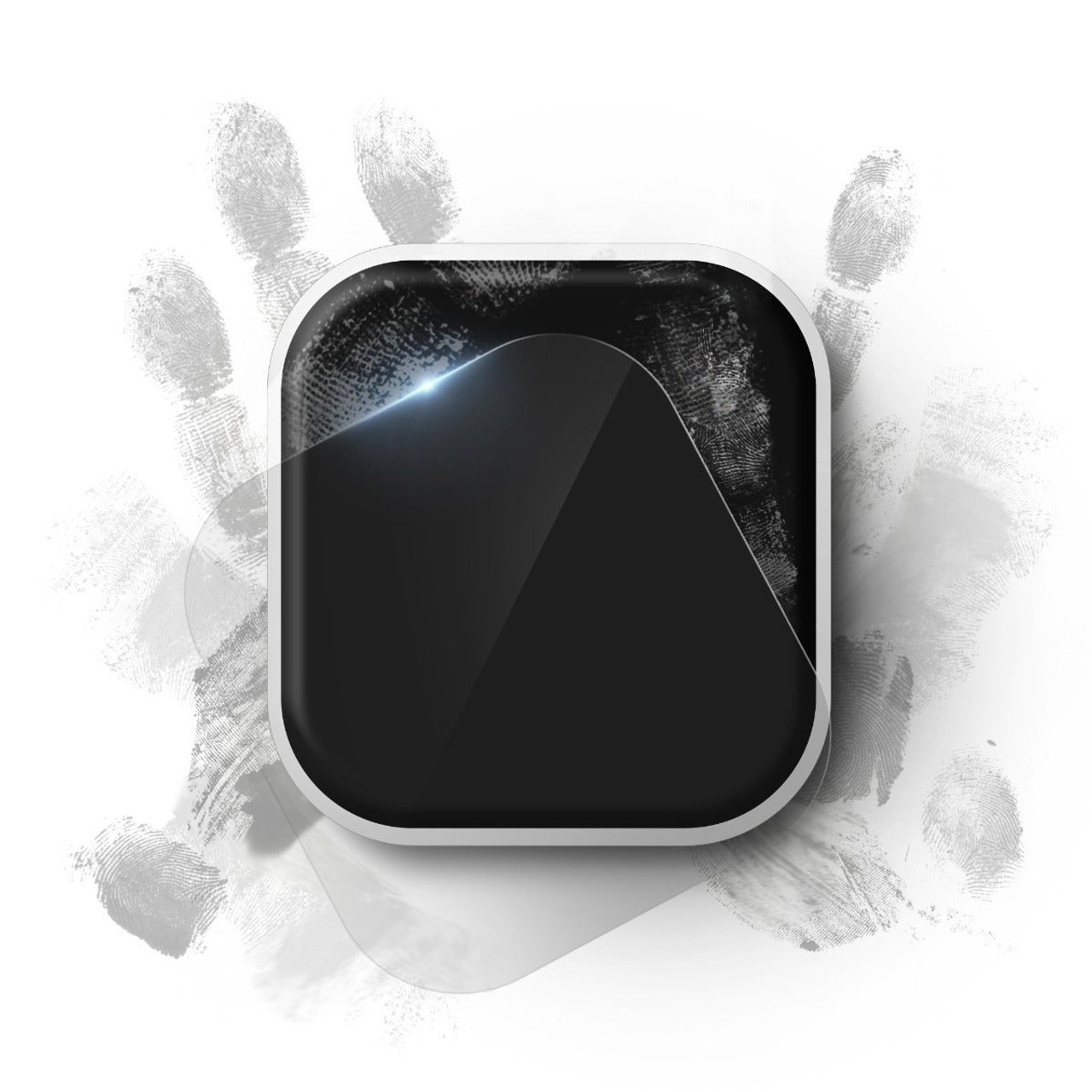
Everyday Wear and Tear
Why does knowing how to put a screen protector on a smartwatch matter so much? It all comes down to usage. We tend to wear smartwatches around the clock (no pun intended), whereas traditional watches only get taken for a spin when there's an occasion.
The result? Smartwatches are prone to damage from accidental bumps virtually everywhere, whether that's at the gym, office, or even at home. This becomes a more serious issue when you realize that Apple no longer covers hairline screen cracks under their standard warranty, so if something goes wrong, it's all on you.
Drop Protection
Even watches built with Gorilla Glass, sapphire crystal, or other durable materials can crack if they hit the wrong surface fast enough. That's why proper screen protector installation for Apple Watches is so critical, even if you're wearing a premium model. If you don't know how to put a screen protector on a smartwatch, you'll be looking at a virtually unusable Apple Watch Ultra.
Preserving Resale Values
Apple recently revised resale values for its Apple Watches, dropping the Series 10 to $160 from $175. If your device is damaged, that value plummets a lot more. By keeping your display flawless, a screen protector ensures your device looks new for longer and helps maintain its resale value over several years.
The best part? It doesn't take much to learn how to install a smartwatch screen protector. Think of it as a small investment that'll help you get a massive discount on your next smartwatch upgrade.
How to Put a Screen Protector on a Smartwatch
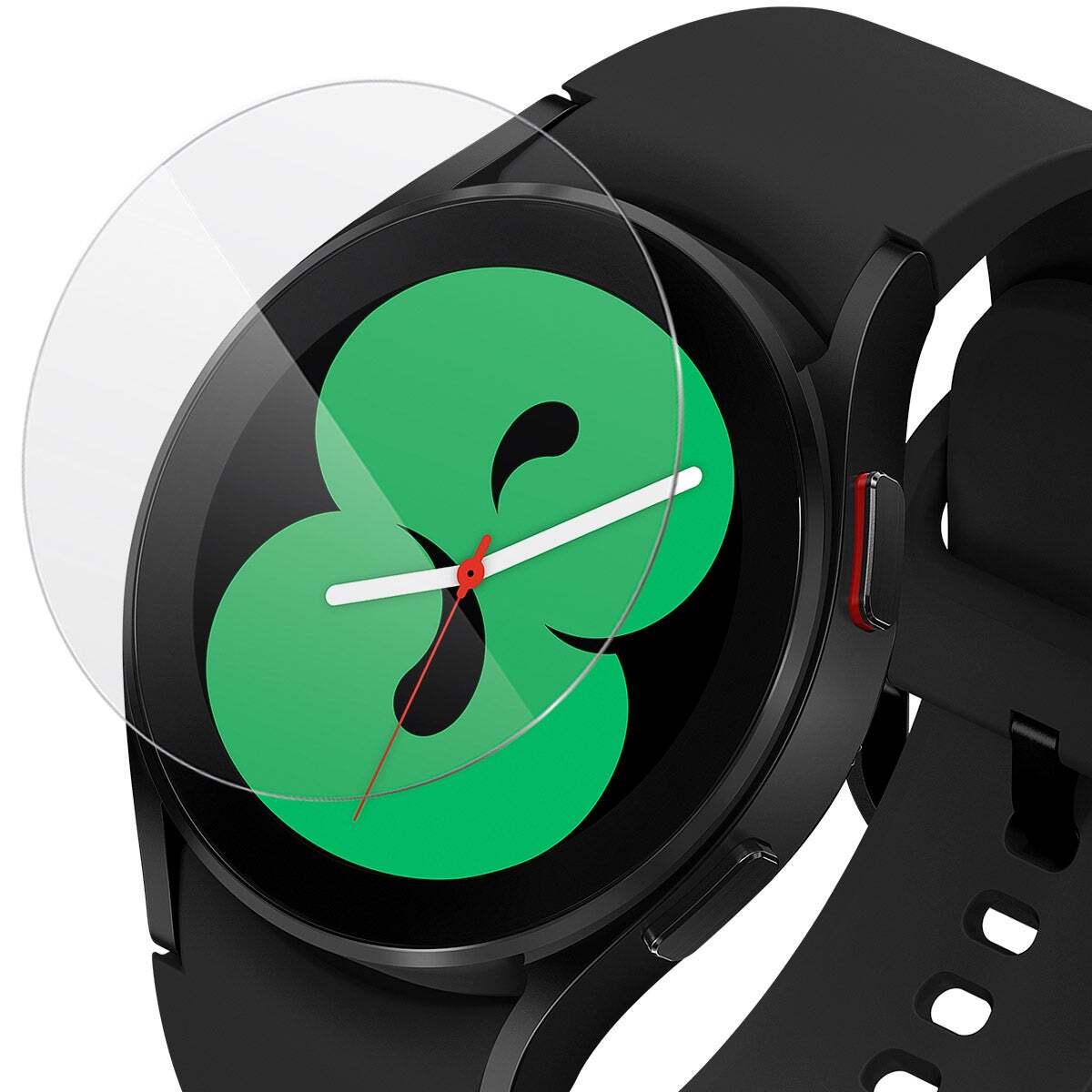
Pre-Installation Prep
If you're using ZAGG, prep is the most important part of the whole process; the actual application is as easy as it gets!
Ensure you have everything you need before applying the screen protector:
- A clean microfiber cloth
- Alcohol wipes
- Dust removal sticker
- Screen protector
Head to a relatively dust-free room and wipe down your smartwatch with a clean microfiber cloth. A humid bathroom works best for this step. Watch for those lingering oil smudges! If you're new to Apple Watch screen protector installation, take your time and use an alcohol wipe to remove stubborn stains.
Application
- Power off your smartwatch or put it into theater mode. If you're unsure about how to put a screen protector on a smartwatch, we recommend switching it off just to be safe.
- Place the EZ Apply tray over your watch face, aligning it with the crown and buttons.
- Press the tray firmly so it snaps into place and doesn't move.
- Position the protector over the tray and peel back the tab labeled 1 to expose the adhesive.
- Once aligned, lower the screen protector over your smartwatch screen.
- You can now peel off the front tab labeled 2.
- Use a microfiber cloth to gently rub off any fingerprints on the new surface.
Whether you're learning how to put a screen protector on a Galaxy Watch or a Google Pixel Watch, everything's easier with ZAGG.
Picking a Screen Protector
Picking the right screen protector is just as important as knowing how to put a screen protector on a smartwatch. Now that we've covered how screen protector installation works for Apple Watch, let's go over a few easy recommendations:
- The ZAGG Glass Elite 360 is an excellent polycarbonate screen protector that also features bumpers for truly comprehensive defense.
- Looking for a more flexible screen protector? The ZAGG Ultra Eco screen protector is made from plant-based materials and is the perfect climate-conscious choice, featuring smart-healing nano technology.
- The ZAGG Fusion screen protector takes it to the next level with a glass-like finish and a hybrid polymer composition. Your smartwatch has never looked better.
Stay Shielded with ZAGG
Whether you're figuring out how to install a screen protector on a smartwatch or finding the perfect phone case, ZAGG has you covered. Browse a massive selection and find the perfect fit for your smartwatch today. Order online and enjoy a lifetime warranty on your ZAGG screen protector.
Frequently Asked Questions
Loading results...